
100%free
Free for every business
InHand POS costs nothing to use, whether you run one small shop or a larger business with a team.
100% free point of sale
Sell, manage stock, track credit, and understand your business—all from the phone you already own.
100%free
InHand POS costs nothing to use, whether you run one small shop or a larger business with a team.
Run sales on the phone you already carry. No till, no special terminal, no expensive setup before you can make your first sale.
Want paper receipts or product labels? Pair a compatible small Bluetooth receipt or label printer. Printers are bought separately — the app itself stays free.
Features
From the first scan to the end-of-day report, InHand POS keeps your sales, stock, credit and team in one place.
Search products or browse by category, build the cart, apply discounts and check out in a few taps. At checkout, attach a customer account or continue as a walk-in.
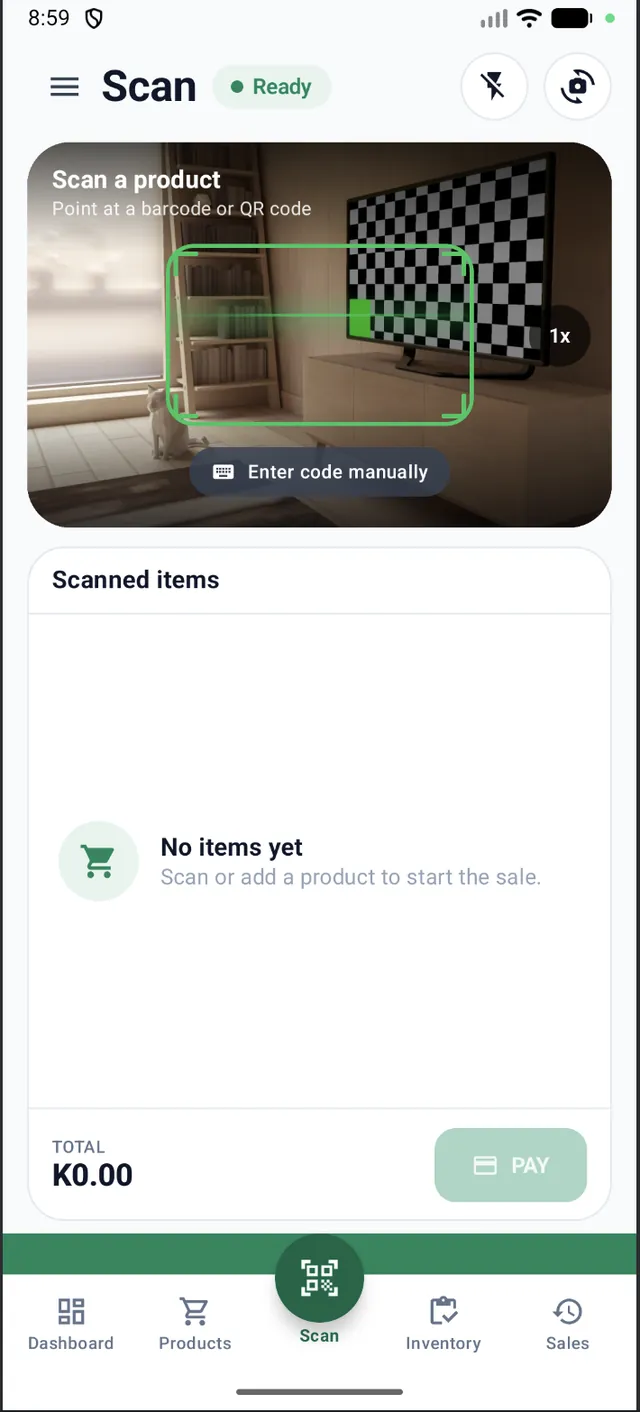
Use your phone's camera to scan barcodes and QR codes straight into the sale. Low light? Turn on the flash, or type the code in manually.
Keep stock counts for every product. Low-stock and out-of-stock items show up right on the dashboard, so you know what to reorder.
Sell on credit to known customers, see every pending balance, record payments as they come in and get alerted when a credit sale is made.
Daily sales, sales, inventory, product performance, credit, refunds, expenses, employees and logins — clear reports that show how the business is really doing.
Add employees as admin, manager or cashier so each person sees only what their role needs. Manage customers, employees and expenses alongside your sales.
Connect a compatible small Bluetooth receipt printer to hand customers a printed receipt, or a Bluetooth label printer to label your products. No cables, no counter-top terminal.
How it works
No installer to call and no terminal to wait for.
Install InHand POS on the phone you already own, create your owner profile, then set up your shop in a few quick steps.
Add your products with prices, categories and stock counts, ready to scan or search at the counter.
Scan or search items, apply discounts, choose a customer or walk-in, and complete the sale — paid now or on credit.
Optionally pair a compatible Bluetooth receipt or label printer. Skip this step if you don't need paper.
Screenshots
Actual screens from InHand POS. Tap any screen to view it larger.
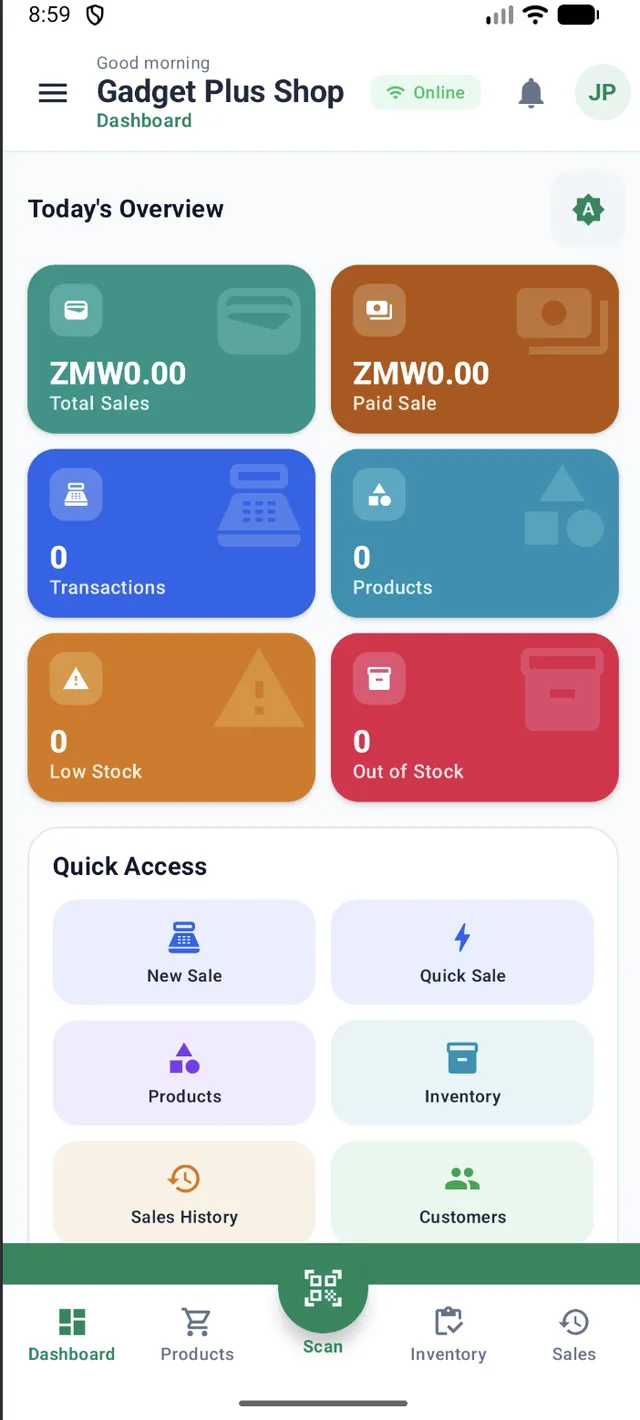
Today's total sales, paid sales, transactions, products, low stock and out-of-stock items at a glance, with shortcuts to New Sale, Quick Sale, Products, Inventory, Sales History and Customers.
Point the camera at a barcode or QR code to add items. Enter codes manually, switch on the flash, and watch the total build before you tap Pay.
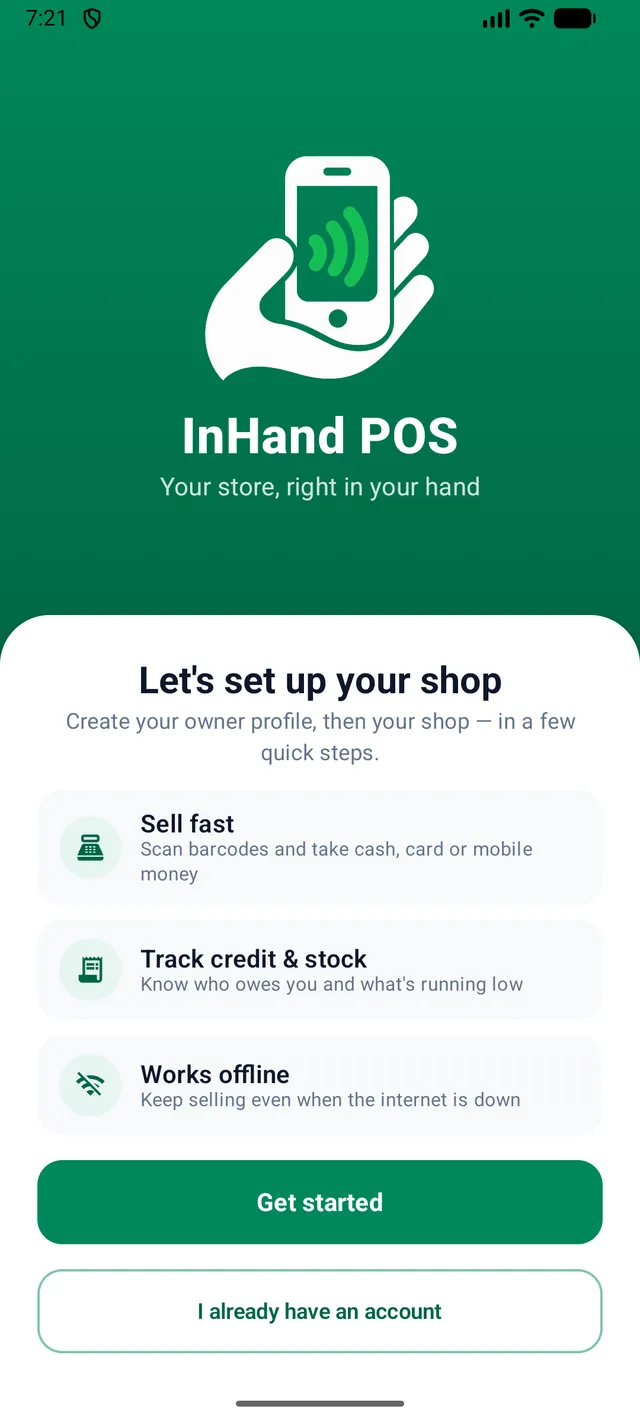
The first screen explains the essentials: sell fast, track credit and stock, and keep selling when the internet is down.
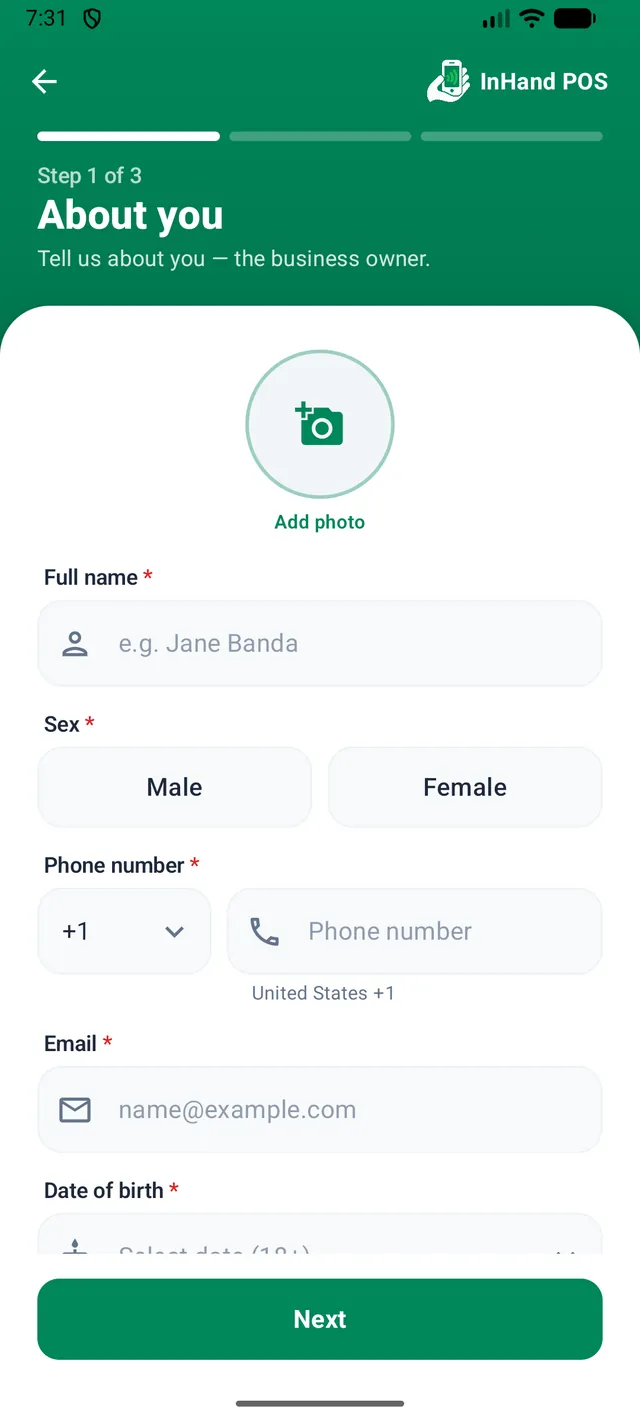
Step 1 of 3: tell InHand POS about you, the business owner. Your shop details come next.
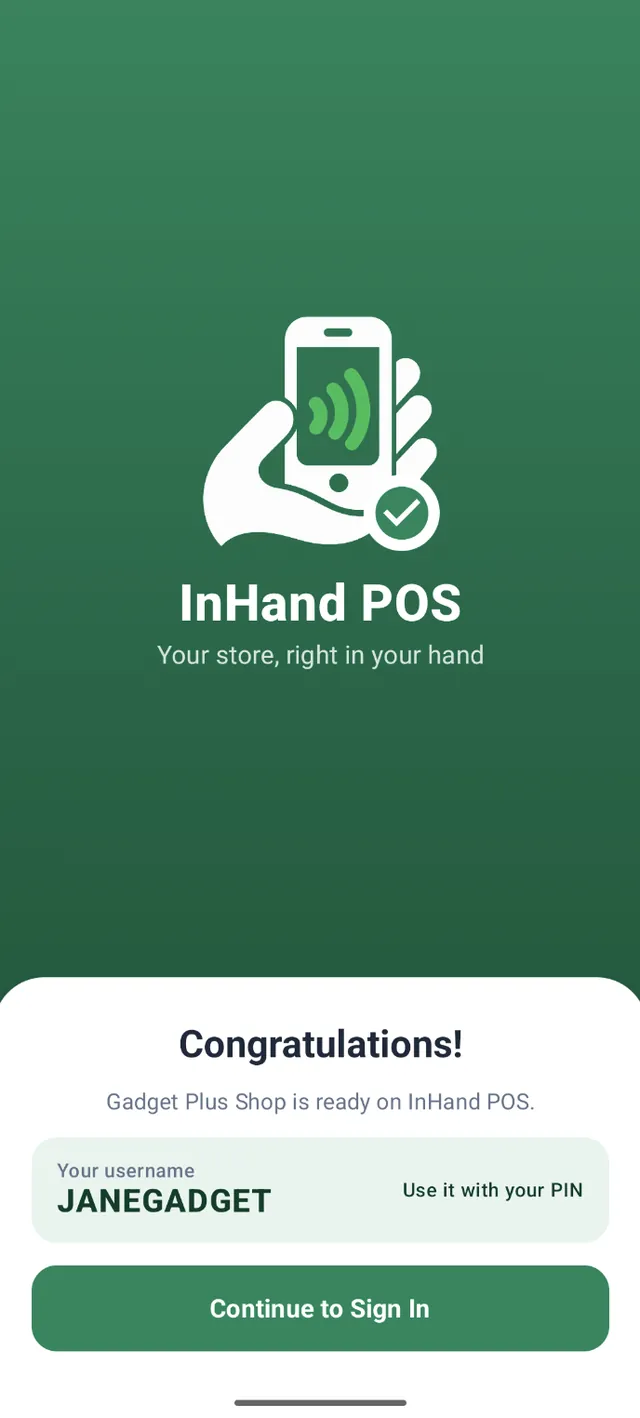
Registration done. You get a username to sign in with your PIN, and you're ready to sell.
Open the app and choose to set up a new shop or sign in to an existing account.
Prefer a bigger screen at the counter? The same app adapts to tablets in landscape.
Credit sales
Many customers pay later. InHand POS turns the paper credit book into something you can actually follow: every credit sale is recorded against a customer, every balance stays visible, and every payment is logged.
How a credit sale flows
FAQ
Yes. InHand POS is 100% free to use. The only costs you might have are things you choose to buy yourself, such as an optional Bluetooth printer.
No. InHand POS runs on the phone you already own — you don't need a dedicated POS terminal. It also works on tablets if you prefer a bigger screen.
Yes, with compatible small Bluetooth receipt and label printers. Printing is optional and printers are purchased separately. Before buying one, confirm that the model is compatible with InHand POS.
Yes. Record a credit sale against a customer account, follow the pending balance in Sales History, and record payments as they come in. The owner is alerted about credit sales, and the Credit report shows the full picture.
InHand POS is built for small and large businesses. A single owner can run everything alone, and growing teams can add employees with admin, manager or cashier roles so everyone sees only what they need.
InHand POS is designed to keep you selling even when the internet is down, so a weak connection doesn't have to stop the counter.
Free to use. No terminal to buy. Start selling from the phone in your hand.
Get InHand POS FreeDownload link coming soon.